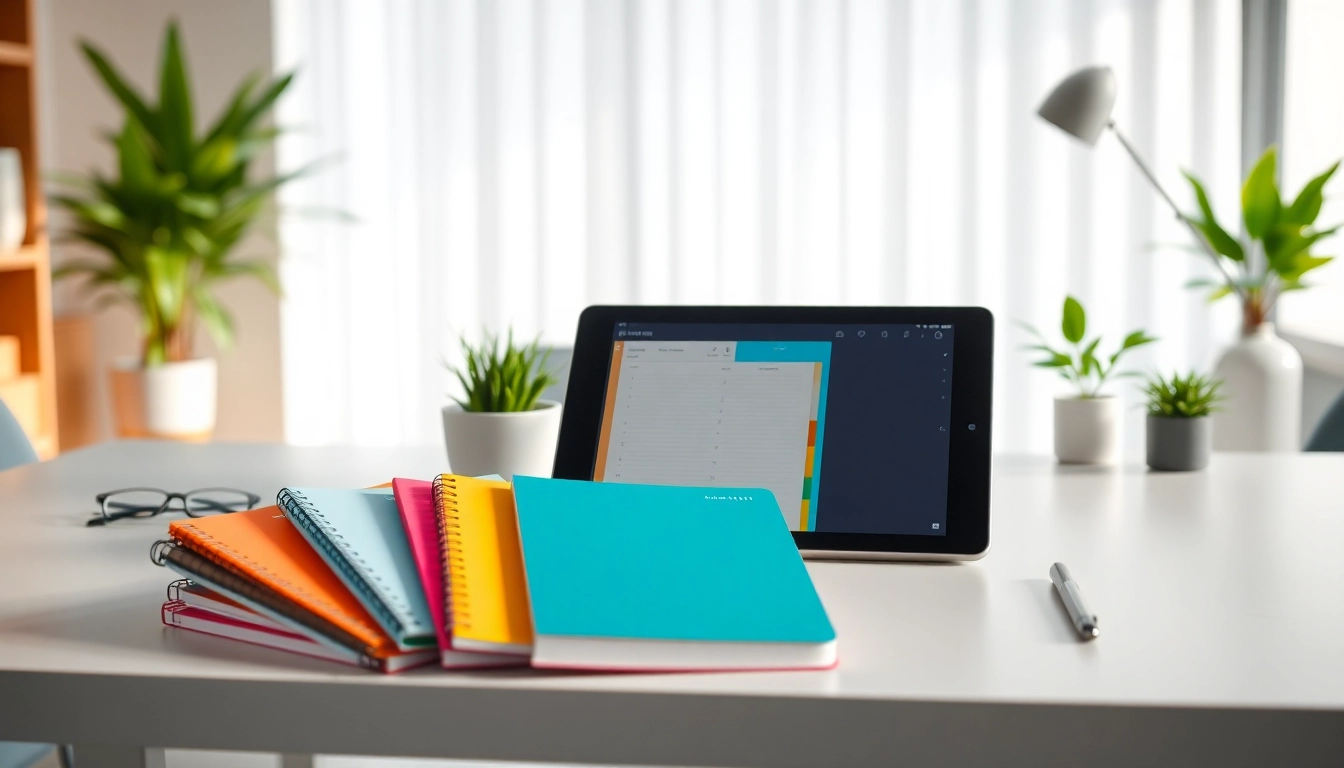
Introduction to Planners For reMarkable
In today's fast-paced digital world, effective planning tools have become essential for maximizing productivity. Planners For reMarkable are designed to leverage the unique capabilities of the reMarkable tablet, allowing users to organize their thoughts, tasks, and schedules efficiently. These digital planners cater to a wide array of planning needs, from daily task management to long-term project scheduling. This article provides a comprehensive overview of what planners for reMarkable are, their benefits, types, and tips to choose the right one for your needs.
What Are Planners For reMarkable?
Planners for reMarkable are specialized digital organization tools designed specifically for the reMarkable tablet, which features a unique e-ink display. These planners typically come in the form of PDF files that users can import into their device. They offer a wide range of templates, including daily, weekly, and monthly layouts, as well as specialized planners for goals, projects, or other specific tasks. The key advantage of these planners is their seamless integration with the tablet's writing capabilities, allowing for handwritten notes and annotations directly onto the templates.
Benefits of Using Planners For reMarkable
Utilizing planners for reMarkable brings several advantages, including:
- Enhanced Organization: Digital planners help streamline project timelines and personal schedules, making it easier to track tasks and appointments.
- Environmentally Friendly: Reducing paper waste is a significant benefit of digital planners, as users can reuse templates multiple times.
- Customization: Many digital planners allow users to personalize layouts, colors, and sections to fit their specific planning needs.
- Portability: Carrying multiple planners can be cumbersome; however, digital planners are stored on a single device, making them easily accessible anywhere.
- Integration with Notes: Users can write directly onto the planners, adding personal notes or thoughts related to each task, enhancing the planning process.
Why Choose Digital Over Paper?
Choosing digital planners over traditional paper options presents numerous benefits. Firstly, digital planners provide an eco-friendly alternative by reducing paper use. Secondly, they are often more versatile; users can easily modify or rearrange their plans without wasting paper. Additionally, many digital planners feature hyperlinking capabilities, allowing users to navigate between sections easily, greatly enhancing the overall planning experience. Lastly, most digital planners can be synchronized across devices, providing users with access to their plans wherever they are.
Types of Planners For reMarkable
When considering planners for reMarkable, it’s essential to understand the various types available, each catering to different planning styles and preferences.
Daily Planners For reMarkable
Daily planners are designed to help users organize their tasks and appointments on a day-to-day basis. These planners typically include sections for daily goals, to-do lists, and time-blocking, allowing users to manage their hours effectively. Features might include checkboxes for completed tasks, space for notes, and visual elements to track priorities. Users can create a structured approach to their daily activities, promoting consistency and productivity.
Weekly Planners For reMarkable
Weekly planners provide a broader view of the week, allowing users to see all tasks and commitments at a glance. They often include segments for each day of the week, along with dedicated areas for weekly goals and reflections. This type of planner is perfect for users who want to plan their workload efficiently while allowing flexibility to adjust their focus as needed throughout the week.
Monthly Planners For reMarkable
Monthly planners are ideal for users who prefer a long-term view of their commitments. These planners typically have a calendar layout where users can enter important dates, appointments, and deadlines. Monthly planners are excellent for tracking project timelines or major deadlines, enabling users to allocate their time and resources more effectively across the month.
How to Choose the Right Planner For reMarkable
Selecting the right planner for reMarkable is essential to ensure it meets your specific needs and enhances your productivity. Here are some steps to guide you through the selection process.
Identifying Your Planning Needs
Before selecting a planner, it's crucial to assess your personal or professional planning needs. Consider factors like:
- Type of Work: Do you need detailed daily scheduling, or do you need a broader overview?
- Nature of Tasks: Are your tasks mostly repetitive, or do they vary greatly week to week?
- Projects: Are you managing multiple projects that require meticulous tracking?
Evaluating Features and Customization
Once you understand your needs, evaluate the features offered by various planners. Look for options that provide customization capabilities, such as:
- Ability to modify layouts or sections.
- Incorporation of interactive elements like hyperlinks and interactive checkboxes.
- Compatibility with note-taking features of the reMarkable device, allowing you to write directly on the planner.
User Reviews and Recommendations
Before making a final decision, consider engaging with user reviews and online communities. Platforms like forums or social media groups can provide firsthand experiences with various planners. A planner that works perfectly for one user may not suit another, so gathering diverse perspectives can be beneficial.
Best Practices for Using Planners For reMarkable
Maximizing the effectiveness of planners for reMarkable involves establishing best practices that align with your planning habits. Here are some strategies to consider:
Setting Up Your Planner for Optimal Use
Begin by configuring your planner to suit your workflow. Customize the layout to include sections and categories that resonate with your specific tasks. Ensure all necessary templates are imported into your device and easily accessible. Organizing your planner based on tasks, projects, or personal goals can facilitate seamless navigation and usability.
Integrating with Your Daily Routine
To ensure that your planner becomes a valuable tool, integrate it into your daily routine. Allocate dedicated time each morning or evening to review and update your plans. This practice not only promotes consistency but also allows you to identify priorities and adjust your focus as needed.
Staying Consistent with Your Planning
Consistency is key to effective planning. Maintain regular check-ins with your planner to assess your progress and make necessary adjustments. Cultivating a habit of daily or weekly reflections can significantly improve your planning accuracy, helping you visualize your achievements and areas for improvement.
Frequently Asked Questions about Planners For reMarkable
What are the main features of planners for reMarkable?
Planners for reMarkable generally offer customizable templates, hyperlink navigation, and compatibility with handwriting for notes and annotations, enhancing organization and productivity.
Can I customize planners for reMarkable?
Yes, many planners allow for high levels of customization, enabling users to modify layouts, sections, and colors to suit specific planning needs.
Are planners for reMarkable compatible with all devices?
Planners designed for the reMarkable tablet are specifically tailored for that device. Compatibility is often guaranteed as long as you are using a reMarkable 1 or 2 tablet.
Where can I find free planners for reMarkable?
Some online communities and forums offer free templates, while others share resources where you can download complimentary planners designed for the reMarkable.
How do I import planners into my reMarkable device?
To import planners, connect your reMarkable device to a computer, drag and drop the planner PDF files into the appropriate folder, and sync your device to access the new templates.